Day 17.Create IAM Group

Cloud & SRE specializing in AWS and DevOps. I share my ongoing learning journey through practical tutorials and insights. Let's grow together.
Lab Information
The Nautilus DevOps team has been creating a couple of services on AWS cloud. They have been breaking down the migration into smaller tasks, allowing for better control, risk mitigation, and optimization of resources throughout the migration process. Recently they came up with requirements mentioned below.
Create an IAM group named iamgroup_james.
Lab Solutions
Step-by-Step Instructions (AWS Console)
- Log in to AWS Console
Use your provided console URL and credentials.
- Open the IAM Service
In the AWS search bar → type IAM
Click IAM to open the dashboard.
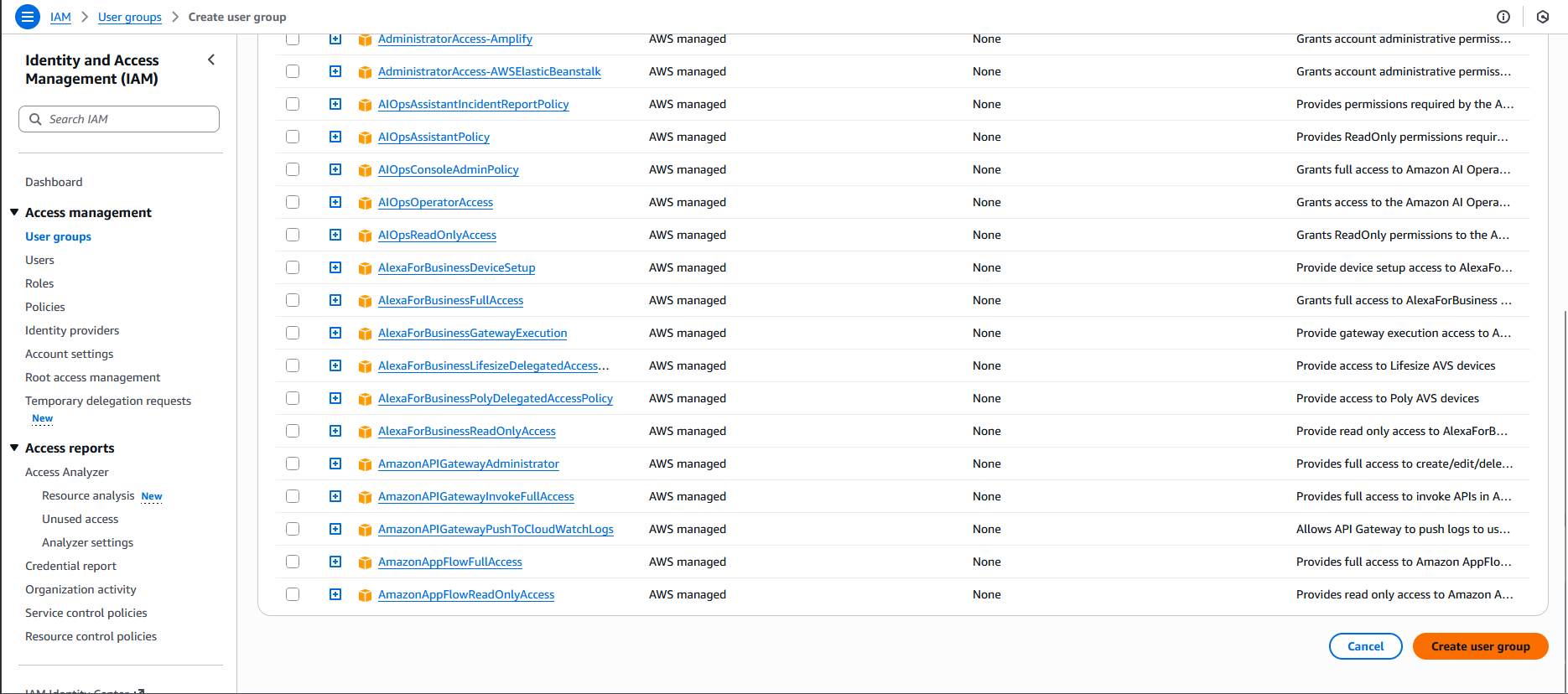
- Create the IAM Group
In the left navigation pane → click User groups
Click Create group
Under User group name, enter:
iamgroup_james
You do NOT need to add users or policies unless the lab specifically asks for it.
Scroll down and click Create group