Day 16.Create IAM User

Cloud & SRE specializing in AWS and DevOps. I share my ongoing learning journey through practical tutorials and insights. Let's grow together.
Lab Information
When establishing infrastructure on the AWS cloud, Identity and Access Management (IAM) is among the first and most critical services to configure. IAM facilitates the creation and management of user accounts, groups, roles, policies, and other access controls. The Nautilus DevOps team is currently in the process of configuring these resources and has outlined the following requirements:
For this task, create an IAM user named iamuser_rose.
Lab Solutions
Step-by-Step Instructions (AWS Console)
- Log in to AWS Console
Use your provided console URL and credentials.
- Open IAM Service
In the AWS Console search bar → type IAM
Click IAM to open the Identity and Access Management dashboard.
- Create the IAM User
On the left menu → click Users
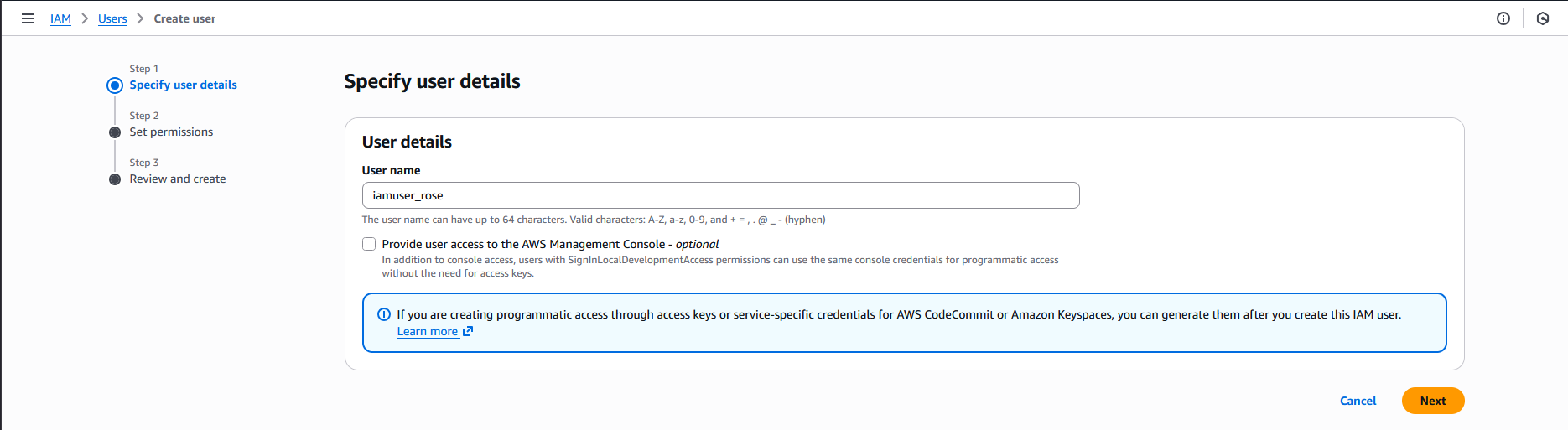
Click Create user
In the User name field → enter:
iamuser_rose
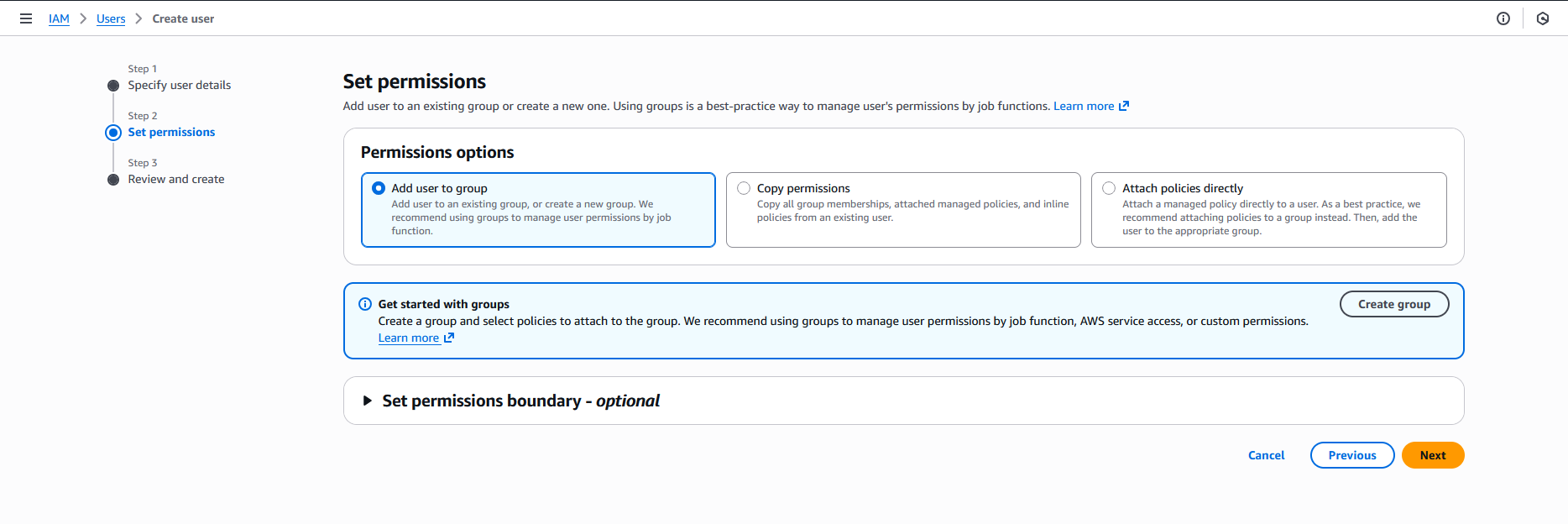
Click Next
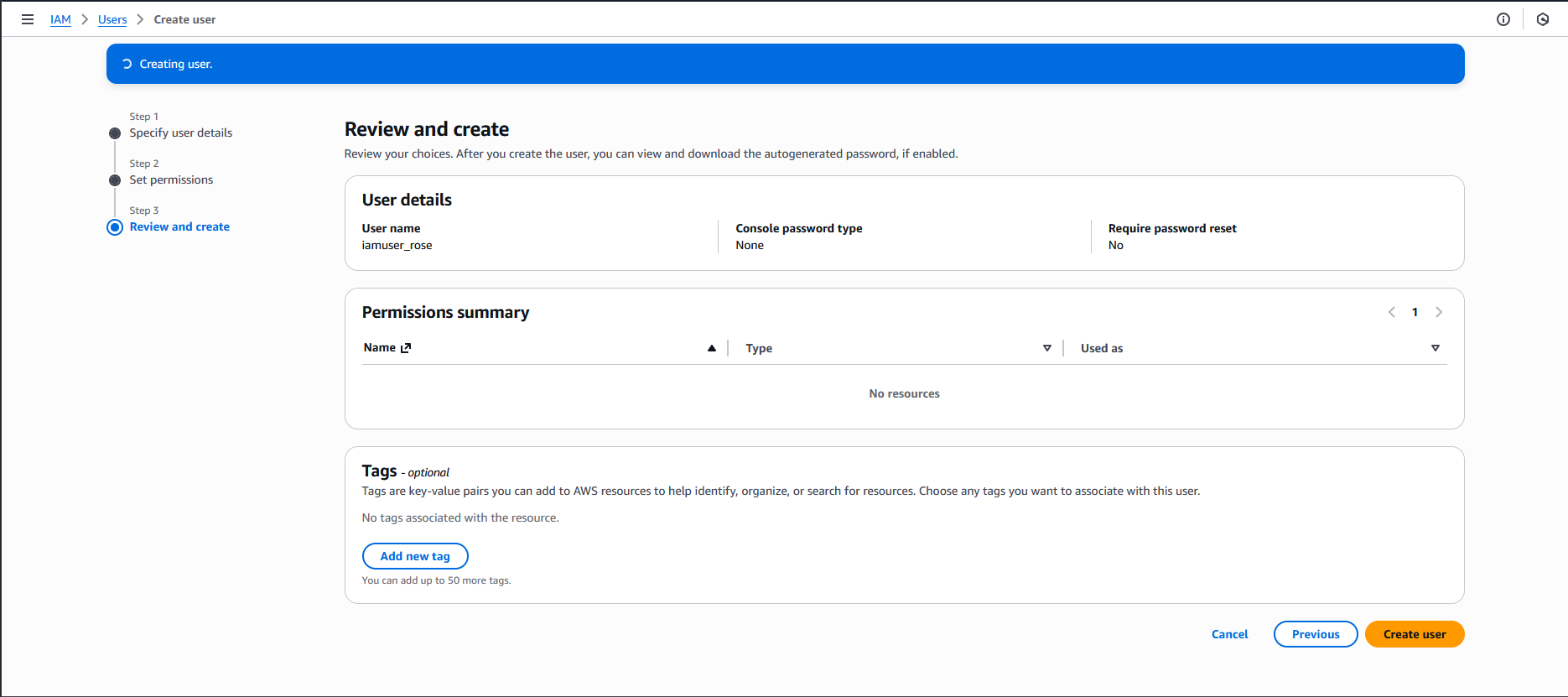
Click Create user