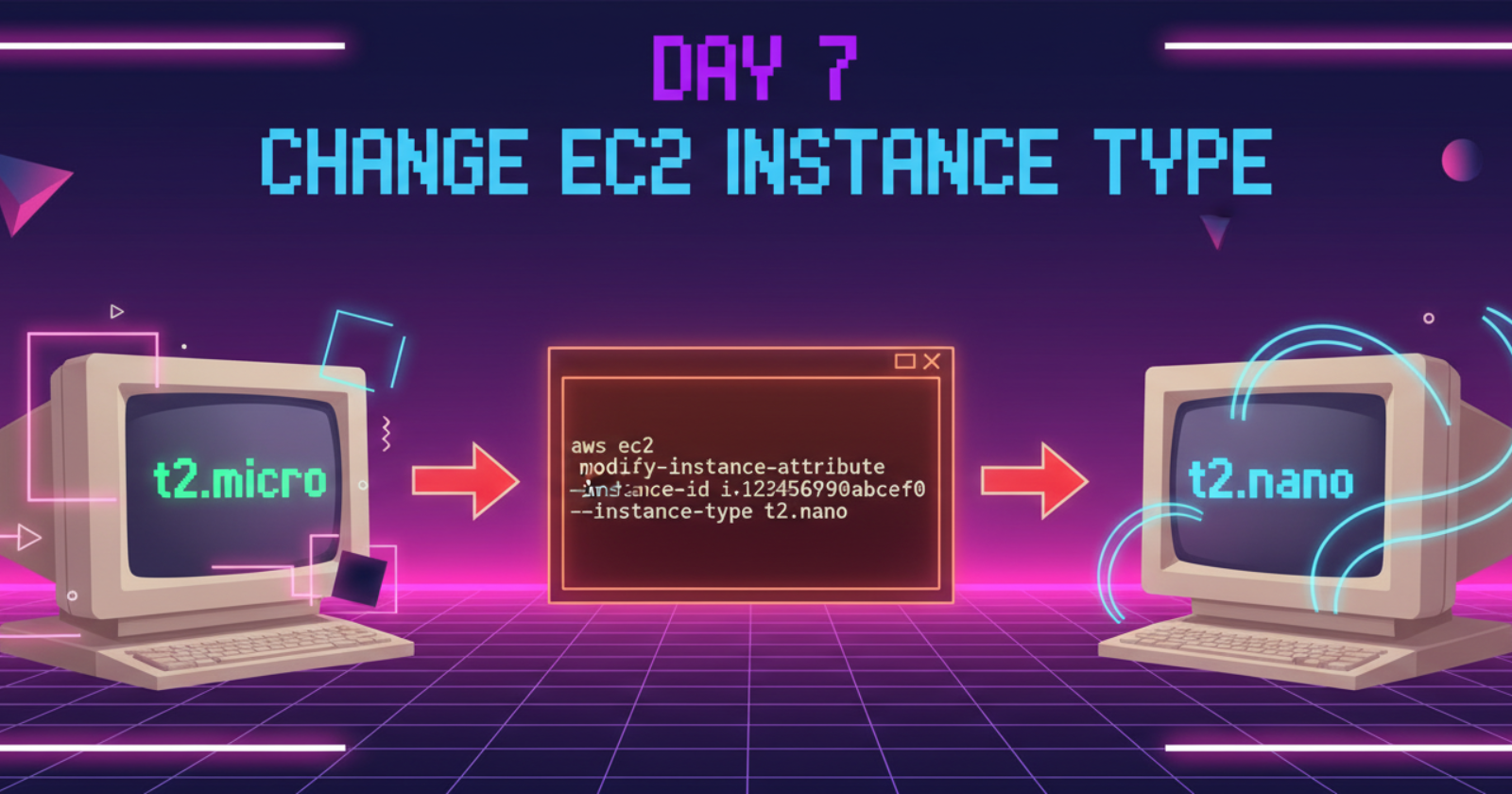
Day 7.Change EC2 Instance Type
Cloud & SRE specializing in AWS and DevOps. I share my ongoing learning journey through practical tutorials and insights. Let's grow together.
Lab Information
During the migration process, the Nautilus DevOps team created several EC2 instances in different regions. They are currently in the process of identifying the correct resources and utilization and are making continuous changes to ensure optimal resource utilization. Recently, they discovered that one of the EC2 instances was underutilized, prompting them to decide to change the instance type. Please make sure the Status check is completed (if its still in Initializing state) before making any changes to the instance.
1) Change the instance type from t2.micro to t2.nano for nautilus-ec2 instance.
2) Make sure the ec2 instance nautilus-ec2 is in running state after the change.
Lab Solutions
Step-by-Step Instructions (AWS Console)
- Log in to the AWS Console
Use your provided console URL and credentials. Make sure region = us-east-1.
- Open the EC2 Page
Search EC2 in the AWS services search bar.
- Locate the Instance
In the left navigation menu:
Click Instances
Find the instance named nautilus-ec2
Verify:
Instance state: must be running
Status checks: should show 2/2 checks passed If it still says Initializing, wait until it passes.
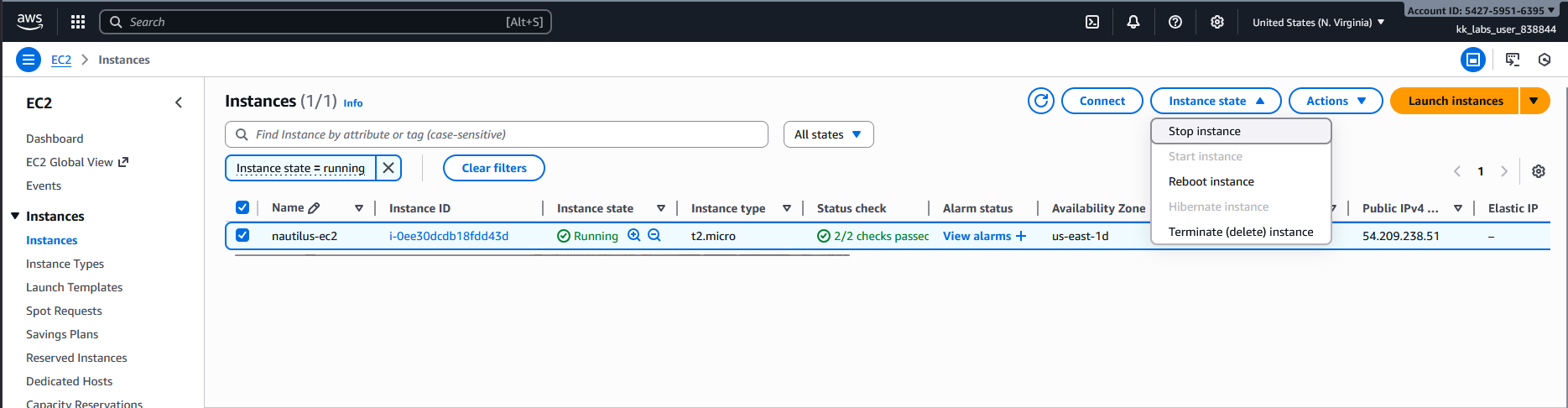
- Stop the Instance
EC2 instance type cannot be changed while running (for EBS-backed instances).
Select nautilus-ec2
Click Instance state → Stop instance
Confirm "Stop"
Wait until the status changes to stopped.
- Change the Instance Type
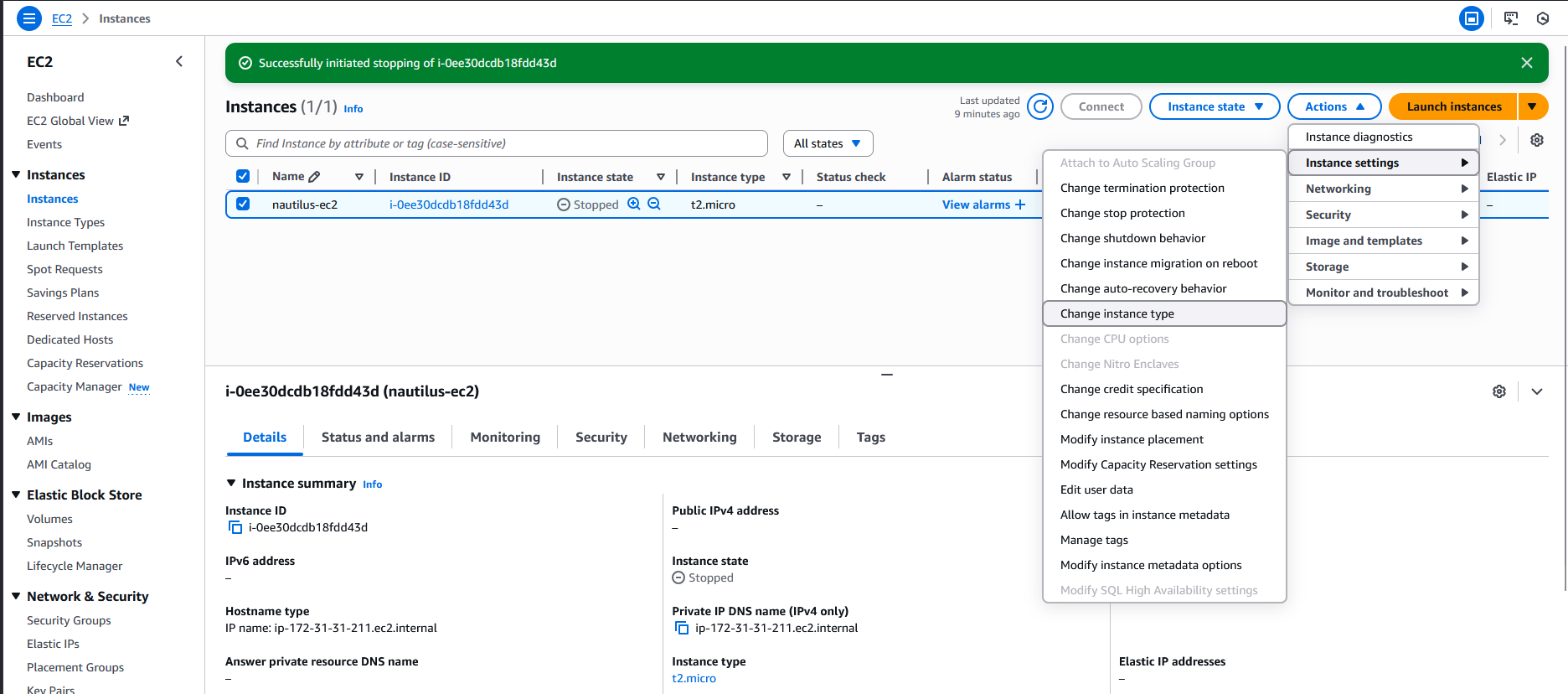
Once the instance is stopped:
Select the instance
Click Actions → Instance settings → Modify instance type
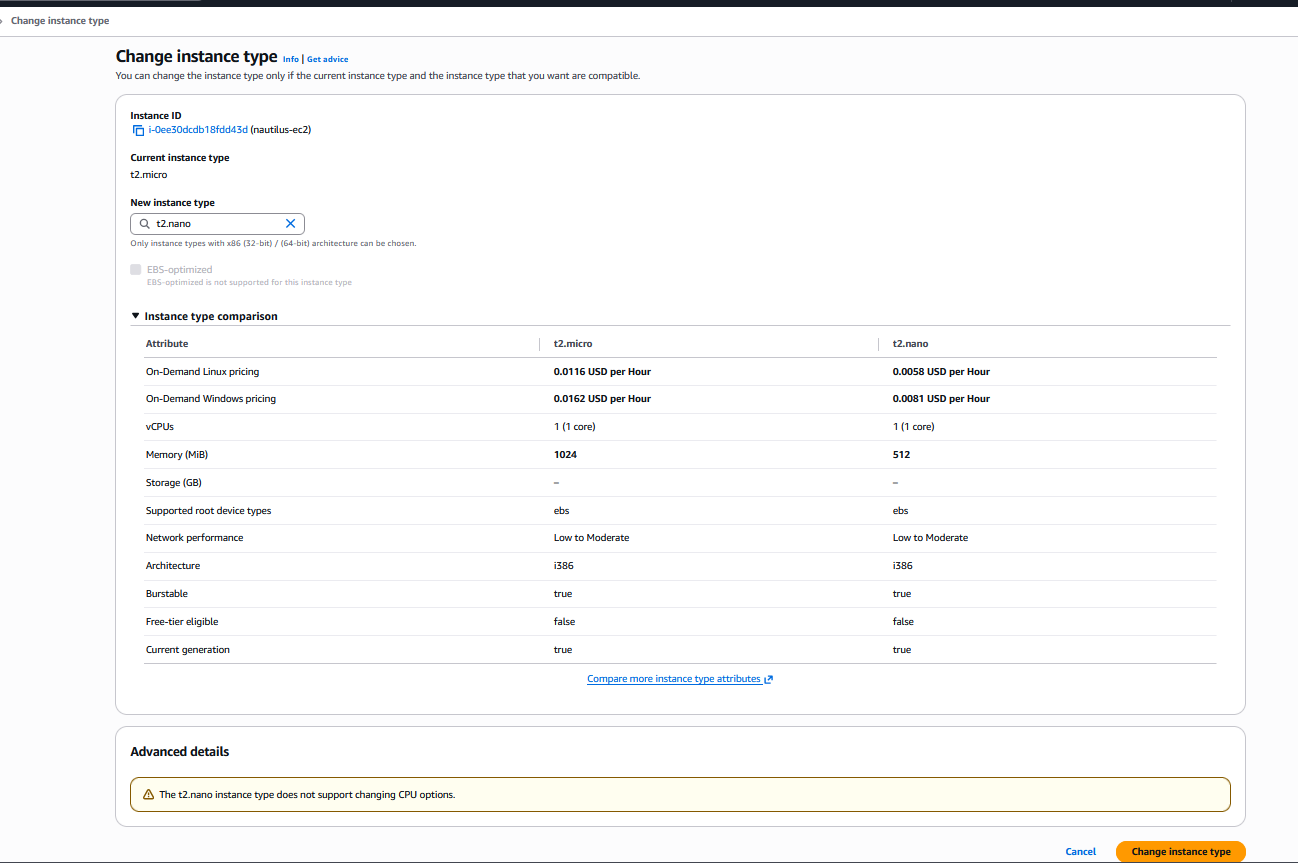
Choose:
Instance type: t2.nano
Click Apply or Save
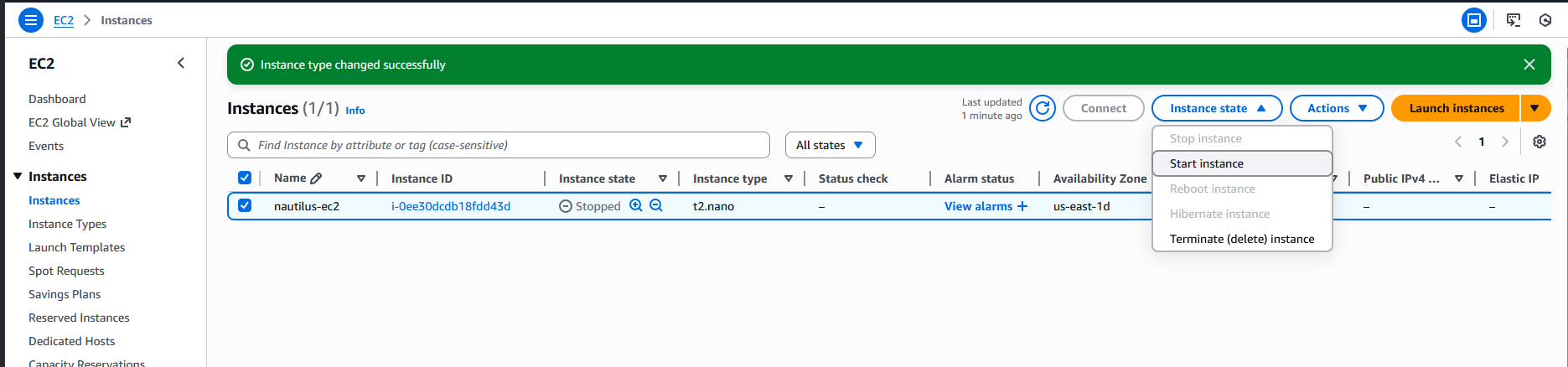
- Start the Instance
Select the instance
Click Instance state → Start instance
Wait until:
State: Running
Status checks: Pass 2/2
Resources & Next Steps
- 📦 Full Code Repository: KodeKloud Learning Labs
- 📖 More Deep Dives: Whispering Cloud Insights - Read other technical articles
- 💬 Join Discussion: DEV Community - Share your thoughts and questions
- 💼 Let's Connect: Linkedin - I'd love to connect with you
Credits
- All labs are from: KodeKloud
- Thanks for providing them.


