Day 33: Create a Lambda Function

Cloud & SRE specializing in AWS and DevOps. I share my ongoing learning journey through practical tutorials and insights. Let's grow together.
Lab Information
The Nautilus DevOps team is embracing serverless architecture by integrating AWS Lambda into their operational tasks. They have decided to deploy a simple Lambda function that will return a custom greeting to demonstrate serverless capabilities effectively. This function is crucial for showcasing rapid deployment and easy scalability features of AWS Lambda to the team.
Create Lambda Function: Create a Lambda function named nautilus-lambda.
Runtime: Use the Runtime Python.
Deploy: The function should print the body Welcome to KKE AWS Labs!.
Status Code: Ensure the status code is 200.
IAM Role: Create and use the IAM role named lambda_execution_role.
Use the AWS Console to complete this task.
Lab Solutions
🔹 Step 1: Create the IAM Role (lambda_execution_role)
Go to AWS Console → IAM
Click Roles → Create role
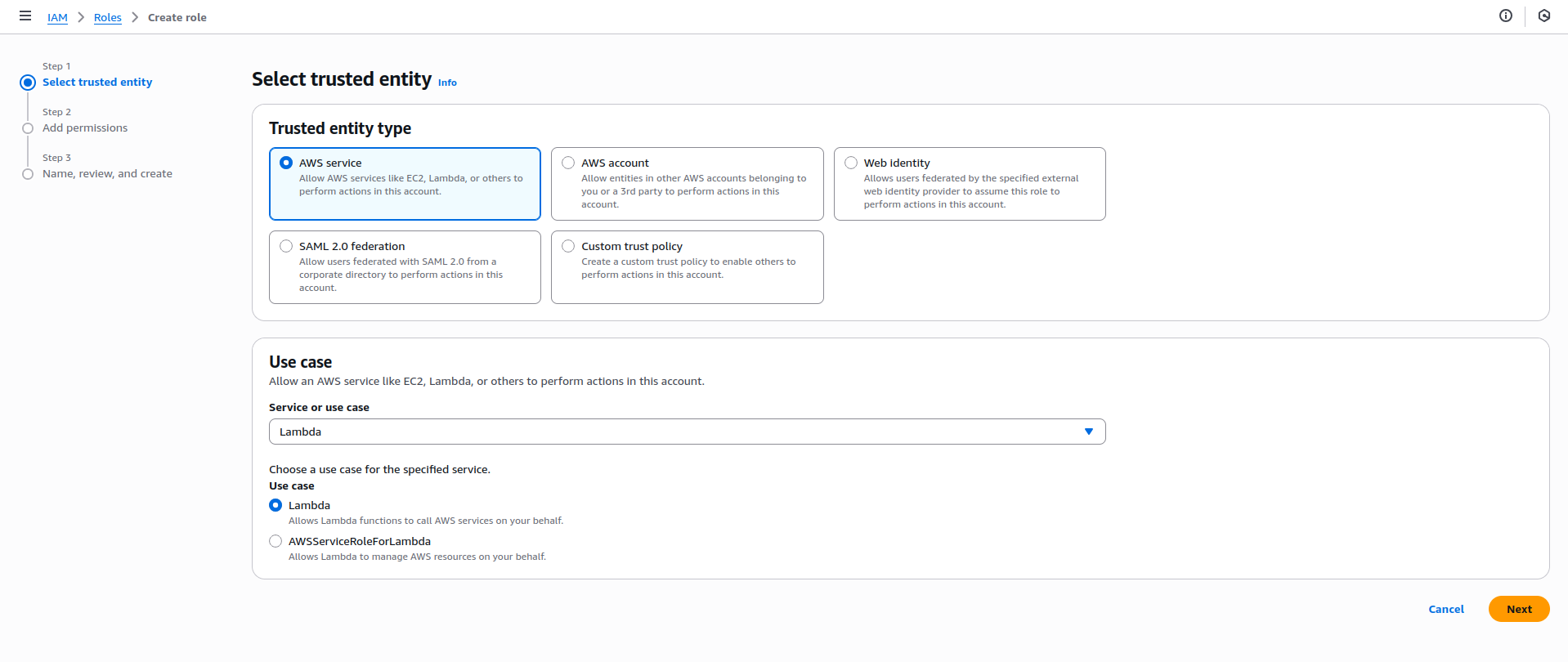
Trusted entity type:
Select AWS service
Use case:
Choose Lambda
Click Next
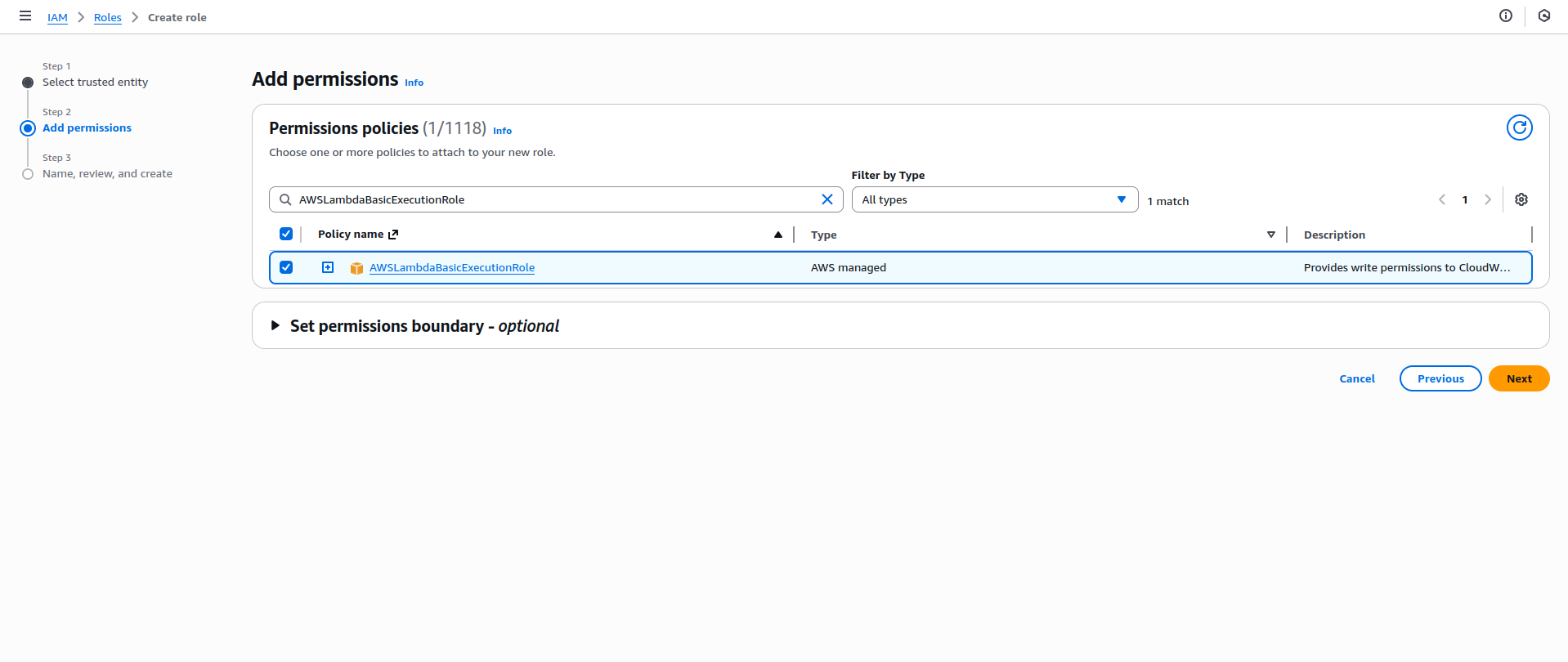
Permissions
Attach policy:
✅ AWSLambdaBasicExecutionRole
Click Next
Role name
Role name:
lambda_execution_role
Click Create role
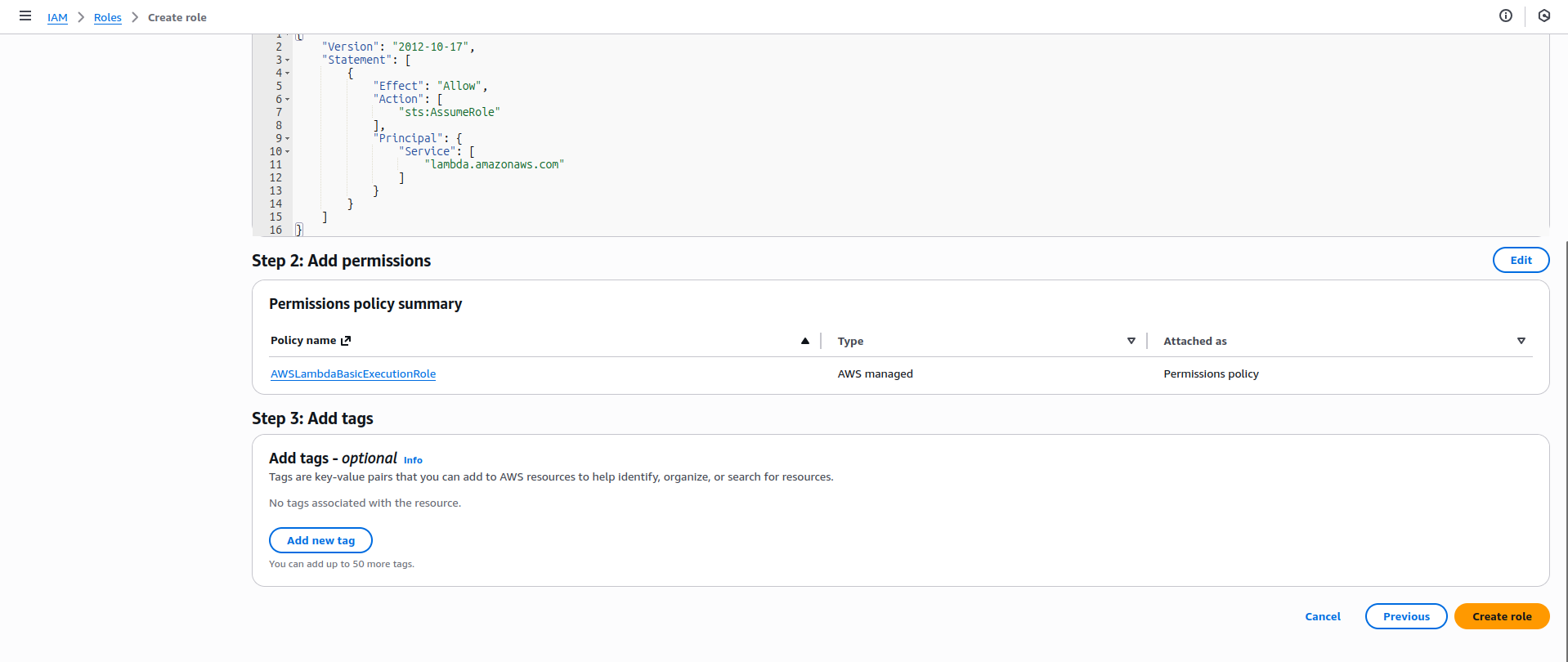
✅ IAM role is ready.
🔹 Step 2: Create the Lambda Function
Go to AWS Console → Lambda
Click Create function
Choose Author from scratch
Basic information
Function name:
nautilus-lambda
Runtime:
Python (Python 3.x – any available version is fine)
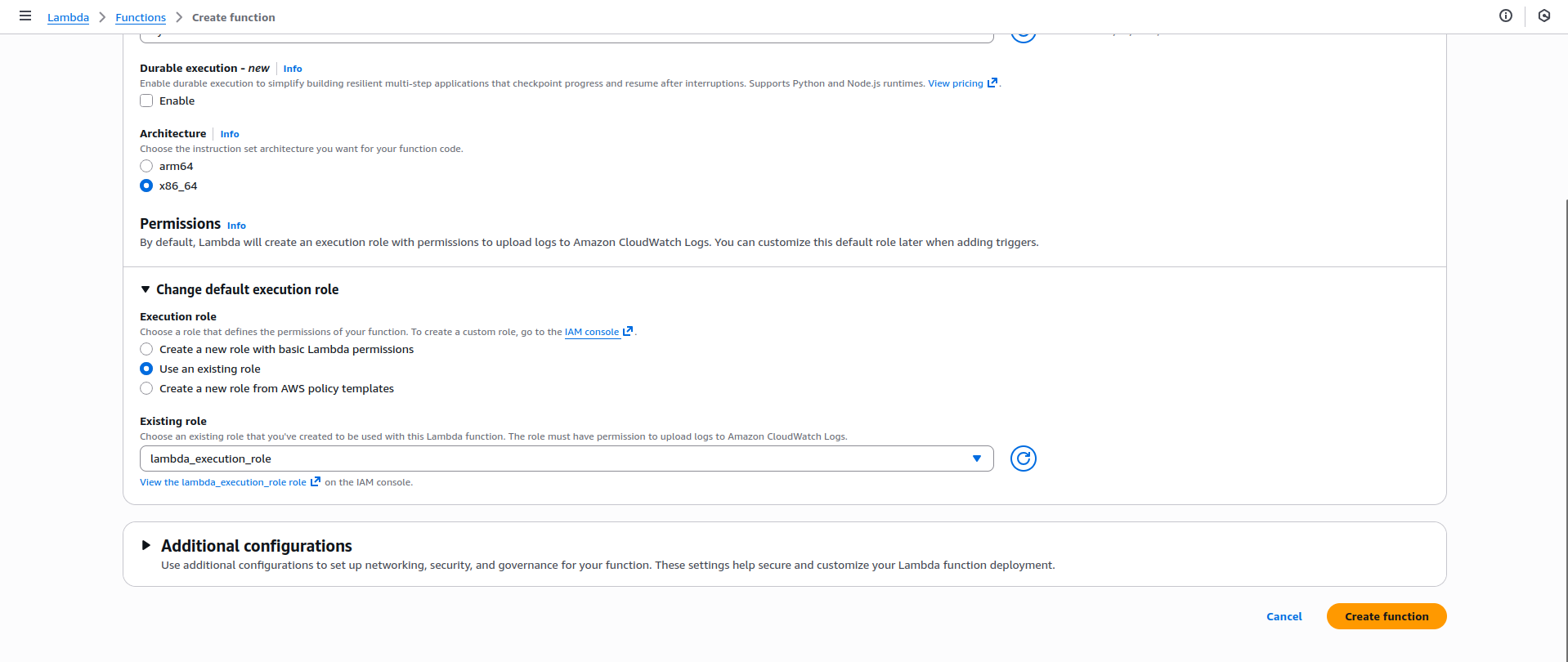
Permissions
Under Change default execution role
Select Use an existing role
Choose:
lambda_execution_role
Click Create function
🔹 Step 3: Add the Lambda Function Code
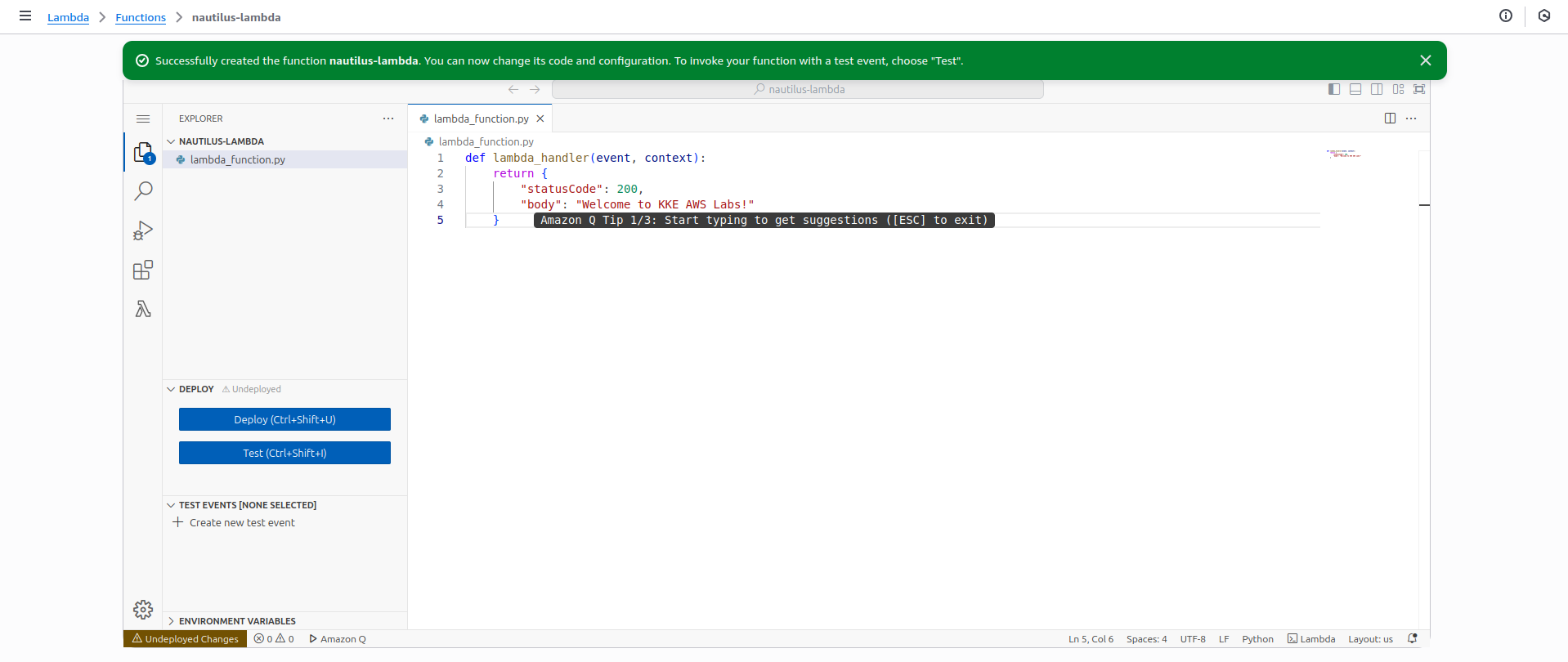
In the Code tab, replace the default code with this:
def lambda_handler(event, context): return { "statusCode": 200, "body": "Welcome to KKE AWS Labs!" }
Click Deploy
🔹 Step 4: Test the Lambda Function
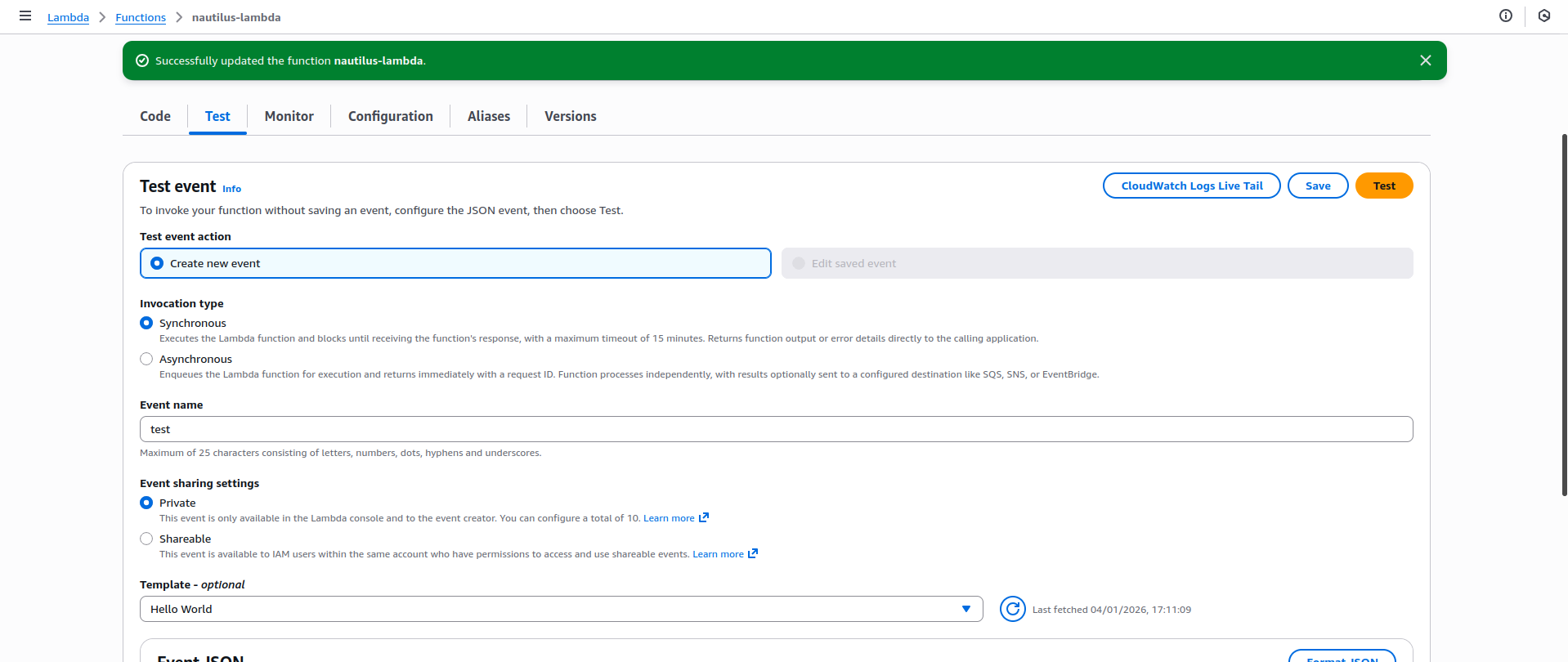
Click Test
Create a new test event:
Event name: test
Keep default JSON
Click Test
✅ Expected Output
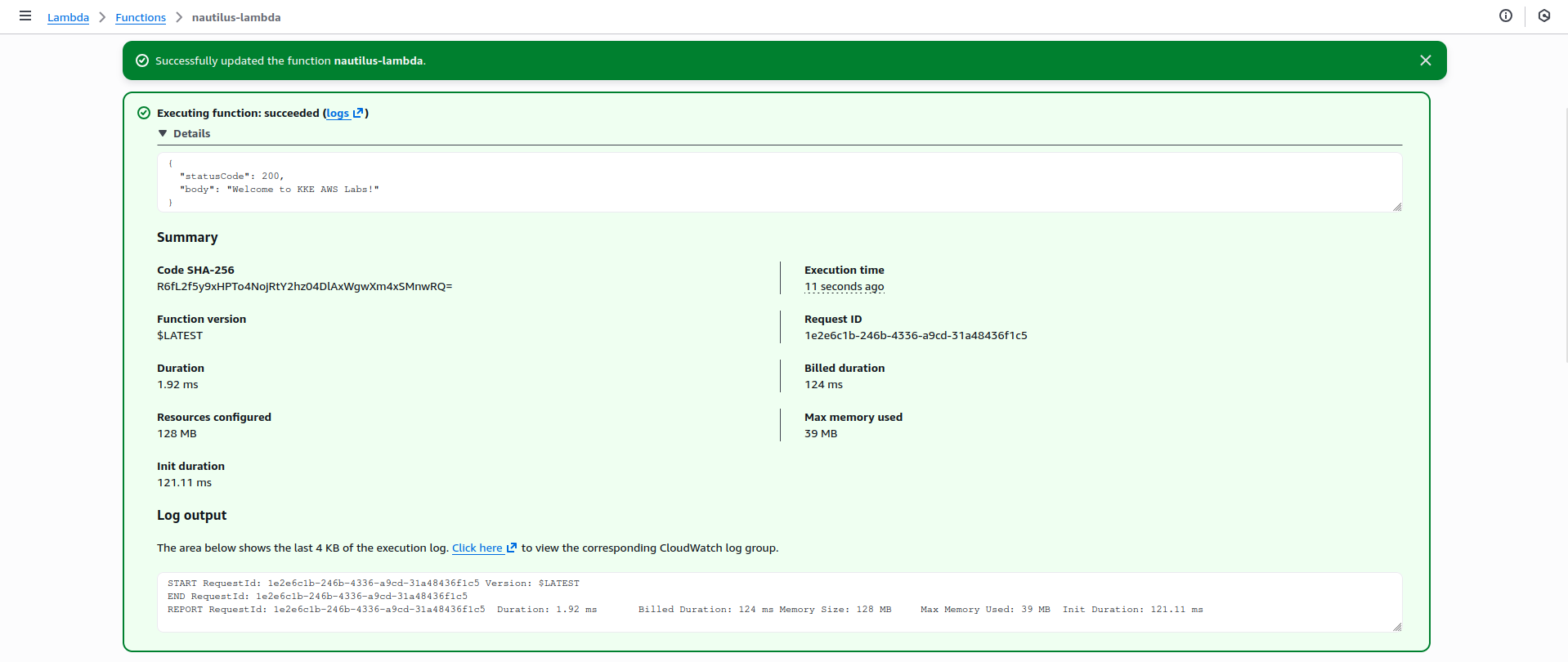
You should see:
{ "statusCode": 200, "body": "Welcome to KKE AWS Labs!" }


